PDF & slide deck import
Bring in existing sales decks, one-pagers, or fundraising PDFs and map them directly into editable video scenes.
Turn static PDF pitch decks, sales proposals, and enterprise solution slides into narrated AI videos with scene-level voice-over, optional talking avatars, and one shareable link.
Keep your original PDF deck inspectable for procurement and diligence while giving buyers and investors a concise guided walkthrough before or after your call. Start with 50 free credits ($5 value) on signup—no recurring subscription required.
No camera, studio mic, or timeline editor needed; 50 free credits ($5) on signup

Start from
PDF decks, slide scripts, or proposals
Narrate with
AI voice, cloned voice, or talking avatar
Pricing model
Pay-as-you-go from $5 (50 free credits)
Frequently asked questions
Upload your PDF deck or paste your slide script into PortfolioVideo, edit the scene-by-scene narration, pick an AI voice or talking avatar, and export or share the finished video link.
No. Because scenes and narration are script-driven, you can update the buyer name, problem framing, or call to action in text and regenerate only what changed.
PortfolioVideo uses pay-as-you-go credits starting at $5 with no recurring subscription, and new users receive 50 free credits ($5 value) on signup.
Keep both. Send the video as a 60-to-120-second guided walkthrough and include the static PDF or interactive deck so buyers and investors can inspect detailed slides.
Built for async B2B selling
When a champion forwards a static PDF sales deck internally, key nuance gets lost. Pair the PDF with a crisp 90-second narrated walkthrough that explains the business case in your voice or an AI presenter.
Bring in existing sales decks, one-pagers, or fundraising PDFs and map them directly into editable video scenes.
Update the opening hook, account problem statement, and closing CTA for a new prospect without re-recording anything.
Deliver executive polish on every follow-up using natural AI voice-over, cloned voice, or optional talking avatars.
Send one clean PortfolioVideo link in cold outreach, post-demo recaps, or investor updates alongside your written deck.
Combine narrated slide walkthroughs with Interactive Deck, Motion Folio, and 15-second Vibe Motion teasers.
Pay only for the videos you generate starting at $5—ideal for seasonal outbound sprints and deal-specific follow-ups.
Scene-by-scene control
Walk buying committees through the problem, ROI assumptions, rollout timeline, and commercial terms in a deliberate order while keeping your source deck available for deep inspection.
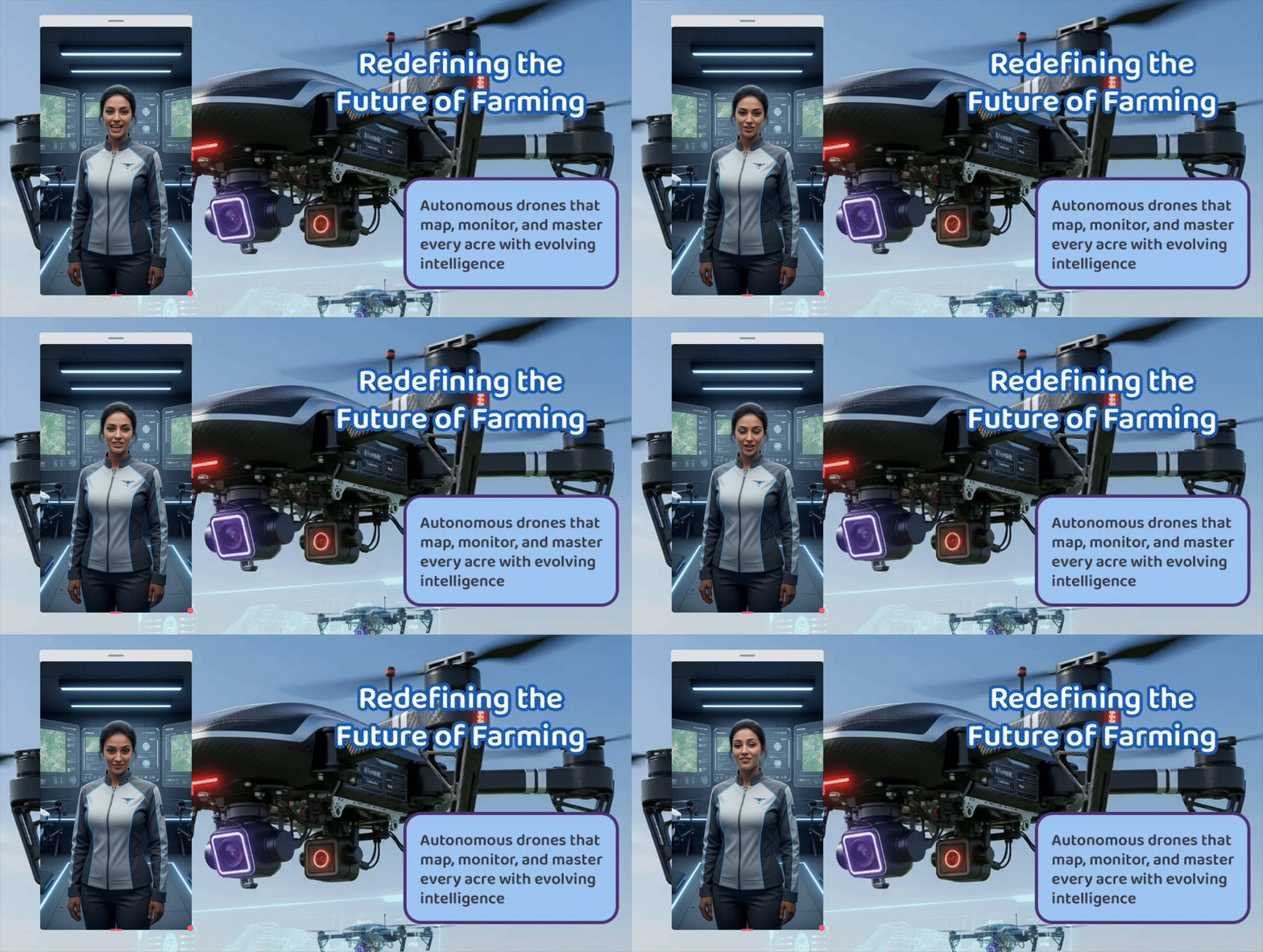
Multi-channel follow-up
Generate a master sales deck walkthrough once, then spin up tailored opening scenes for enterprise accounts, partner proposals, and investor updates without booking studio time.

A simple production path
Import the slide deck, PDF proposal, or written one-pager you already share.
Focus each scene on buyer pain, measurable proof, and the decision needed next.
Choose AI voice-over, voice cloning, or a presenter avatar with clean pacing.
Send the narrated video alongside your written PDF so stakeholders can skim and watch.
Made for real workflows
Replace generic follow-up emails with concise narrated proposal walkthroughs buyers actually open.
Turn fundraising PDFs and product one-pagers into investor-ready pre-meeting briefings.
Walk technical stakeholders through architecture slides and rollout plans asynchronously.
Present scope, milestones, and deliverables clearly before a prospect signs.
Sending a static PDF deck forces busy buyers and investors to guess which slide matters most. Converting your sales deck into a short, narrated video solves that comprehension gap: the recipient hears your framing in under two minutes while still retaining the full written deck for reference.
Unlike webcam-only screen recorders that require fresh manual takes every time a metric or buyer name changes, PortfolioVideo turns your deck into editable scenes with script-driven AI narration and optional talking avatars. That makes personalized sales pitch videos practical across dozens of accounts without camera fatigue.
Start with a 3-part narrative—account context, concrete proof, and one clear next step—then pair your video link with your original PDF or interactive deck. New accounts receive 50 credits ($5) free on signup, with additional credits available pay-as-you-go starting at $5.
Keep exploring
Step-by-step playbook for Account Executives converting proposal slides.
Explore investor pitch deck workflows and live demo examples.
See when to use PortfolioVideo vs Loom, Vidyard, HeyGen, or Synthesia.
Decide between script-driven AI pitch videos and manual screen recordings.
Package your video link with inspectable proof and a clean CTA.
Let buyers explore slides and narration at their own pace.
Start with clear source material—whether that is an up-to-date resume, a concise founder pitch deck, or a short personal branding brief. Because PortfolioVideo builds each script, scene plan, and voiceover from the facts you supply, structured inputs with concrete metrics, shipped projects, and clear outcomes produce much stronger narration than generic summaries.
Before rendering your final export, review every scene in the studio editor. Check that the opening hook states your role or value proposition within the first five seconds, verify that on-screen visuals reinforce your spoken points rather than repeating every bullet word for word, and confirm that the closing call to action directs viewers to the exact next step—booking an intro call, inspecting your portfolio, or reviewing your full written document.
Choose the aspect ratio that matches where you plan to share: widescreen 16:9 landscape for portfolio websites, email follow-ups, and investor data rooms, or vertical 9:16 portrait for LinkedIn mobile feeds, Reels, and Shorts. Pair your finished video with your written resume or static slide deck so reviewers can skim the document and watch your walkthrough in one streamlined flow.
Busy recruiters, hiring managers, clients, and investors decide within the first five to ten seconds whether to keep watching. Open with the specific role you target, the customer problem your product solves, or the core outcome you deliver. Back up that opening with two concrete, verifiable proof points—shipped features, revenue impact, latency reductions, or customer retention gains—rather than broad adjectives.
Avoid crowding your scenes with dense paragraphs of on-screen text that duplicate your voiceover word for word. Instead, let your narration tell the story while each generated frame illustrates the setting, product workflow, or key metric. Clean visual hierarchy helps viewers absorb your message faster on both laptop screens and mobile phones.
A cold outreach clip, job application video, or LinkedIn featured video performs best between 45 and 75 seconds—long enough to establish credibility and summarize two highlights, short enough to respect a reviewer's schedule. For warm investor follow-ups or detailed project walkthroughs, aim for 90 to 120 seconds with clear scene transitions between problem, solution, traction, and next step.
Video earns attention and builds trust, while written documents make details easy to verify and forward internally. Always share your PortfolioVideo link alongside your ATS-friendly PDF resume, GitHub repository, live product demo, or full investor deck so stakeholders can move seamlessly from watching your overview to checking the underlying proof.
Claim 50 free credits ($5) on signup and turn static slides into a narrated walkthrough without setting up a camera.