Script from real expertise
Turn a resume, offer, framework, case study, or rough outline into a focused creator video script with a clear point of view.
Create polished LinkedIn videos, creator portfolio clips, and thought-leadership content from your ideas, profile, or resume without rebuilding a camera setup for every post.
PortfolioVideo combines structured scripts, AI narration, talking avatars, and branded scenes so consultants, founders, and creators can publish a consistent professional story across LinkedIn, websites, and outreach.
No camera, studio, or timeline editing required
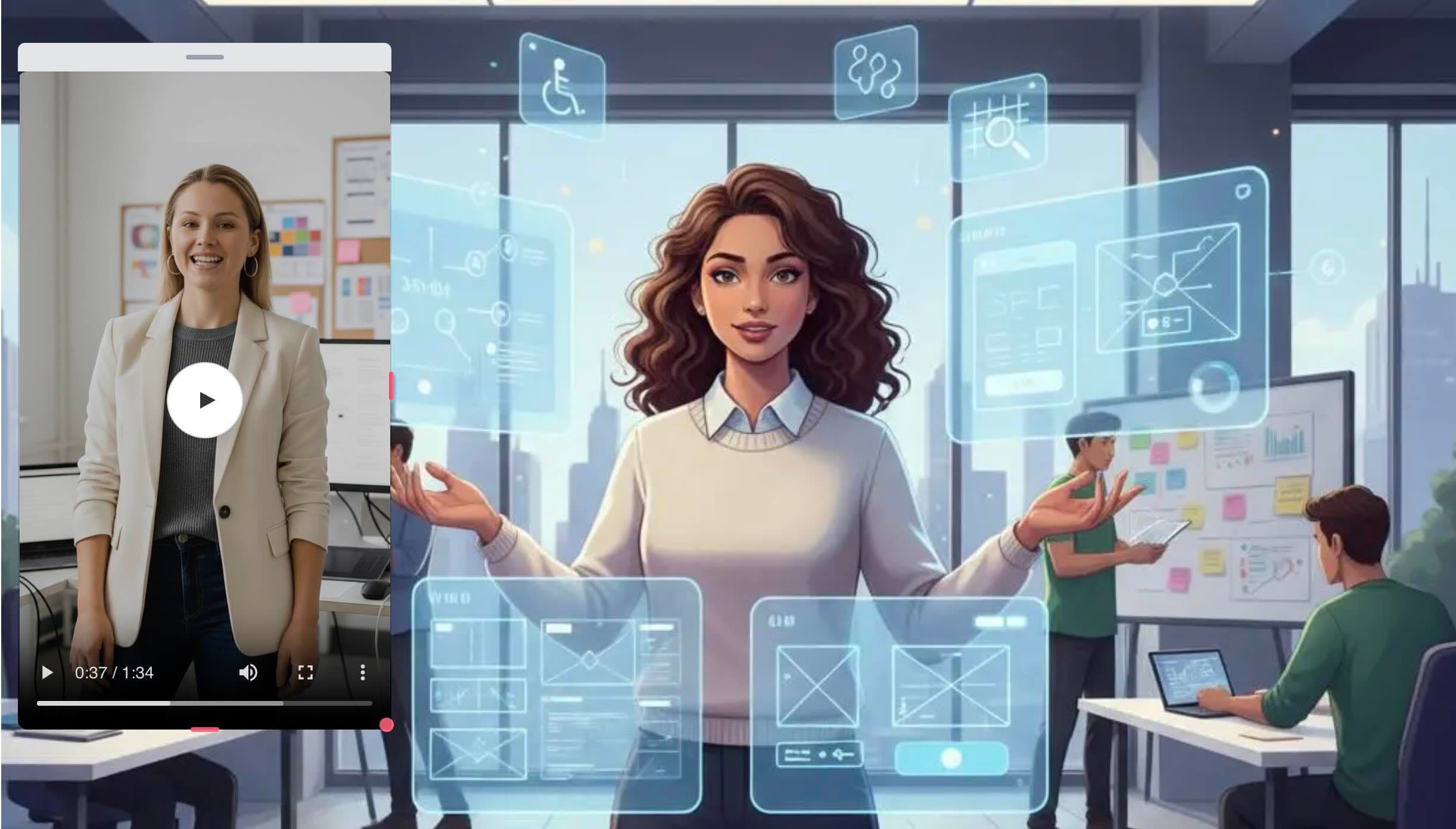
Start with
A profile, resume, script, or idea
Create for
LinkedIn, websites, email, and proposals
Publish as
HD video or a shareable portfolio link
Frequently asked questions
A personal branding video is a focused introduction that explains who you help, what expertise you bring, and what proof supports your positioning. It can be used on LinkedIn, a portfolio website, or in professional outreach.
Yes. PortfolioVideo supports AI voice-over and talking-avatar delivery, so you can create a polished personal brand video without setting up a camera or recording repeated takes.
Lead with the audience you help, add one specific framework or proof point, and finish with one clear next step such as viewing your work, connecting, or booking a conversation.
A repeatable content system
Build a library of personal branding videos that makes your expertise easier to understand, trust, and share. Every feature reduces production friction while keeping your message specific to your audience.
Turn a resume, offer, framework, case study, or rough outline into a focused creator video script with a clear point of view.
Use a talking avatar and natural AI voice when filming is impractical, then keep the same visual identity across a content series.
Publish to LinkedIn, add the video to a portfolio page, or send a direct link in prospect and speaker outreach.
Keep colors, imagery, pacing, and tone aligned so every clip feels like part of the same professional brand system.
Create profile intros, thought-leadership clips, service explainers, event promos, case-study summaries, and follow-ups.
Update a claim, audience, offer, or call to action without recording the whole piece again.
Built for clarity
A headline can name your role, but a concise personal brand video can show how you think, who you help, and what evidence supports your positioning. Shape a narrative around outcomes instead of generic self-promotion.
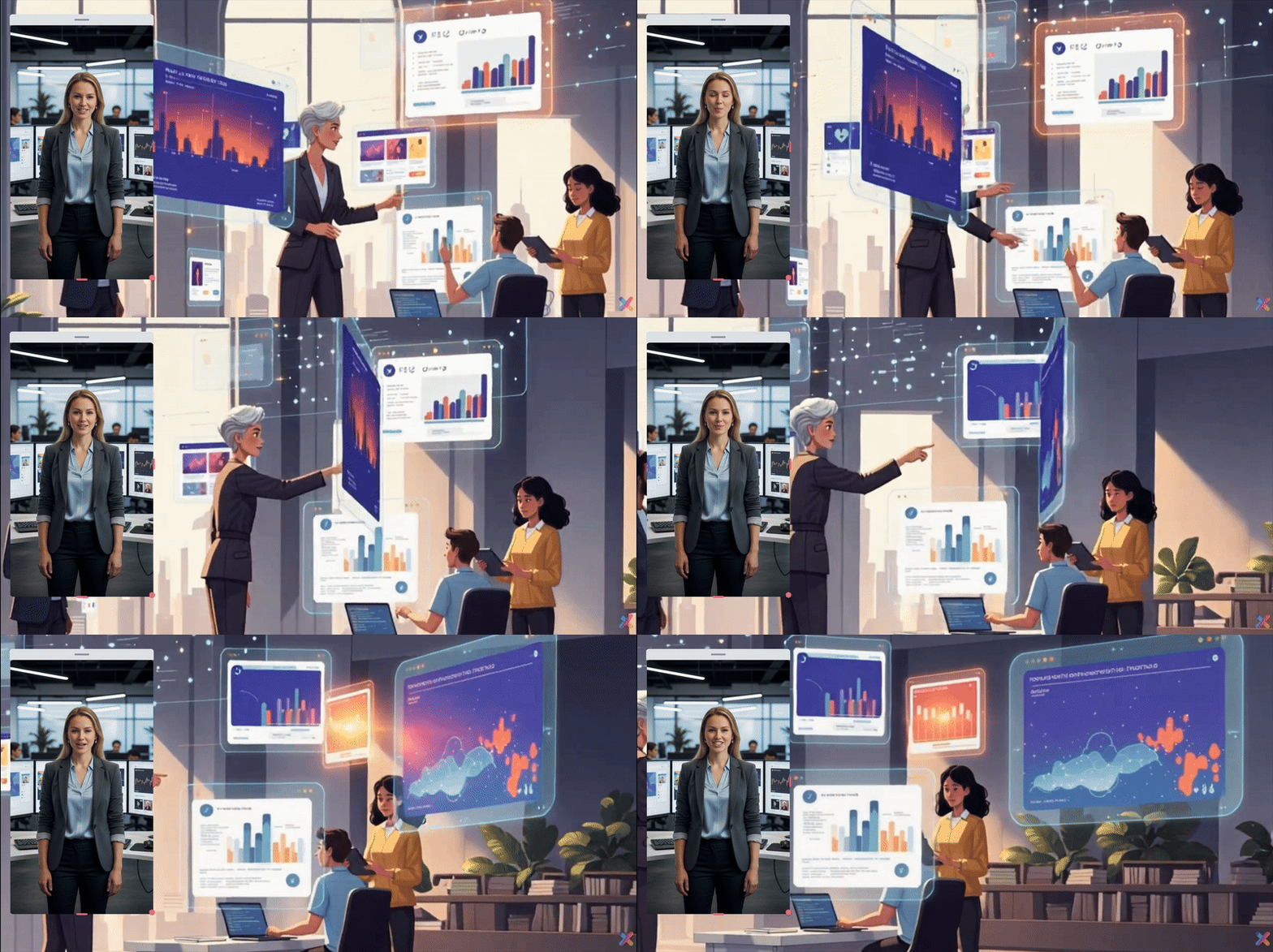
Publish without production drag
Import source material, choose the story, refine the narration, and generate a finished asset. Publish frequently without making your brand depend on perfect lighting, repeated takes, or an external editor.
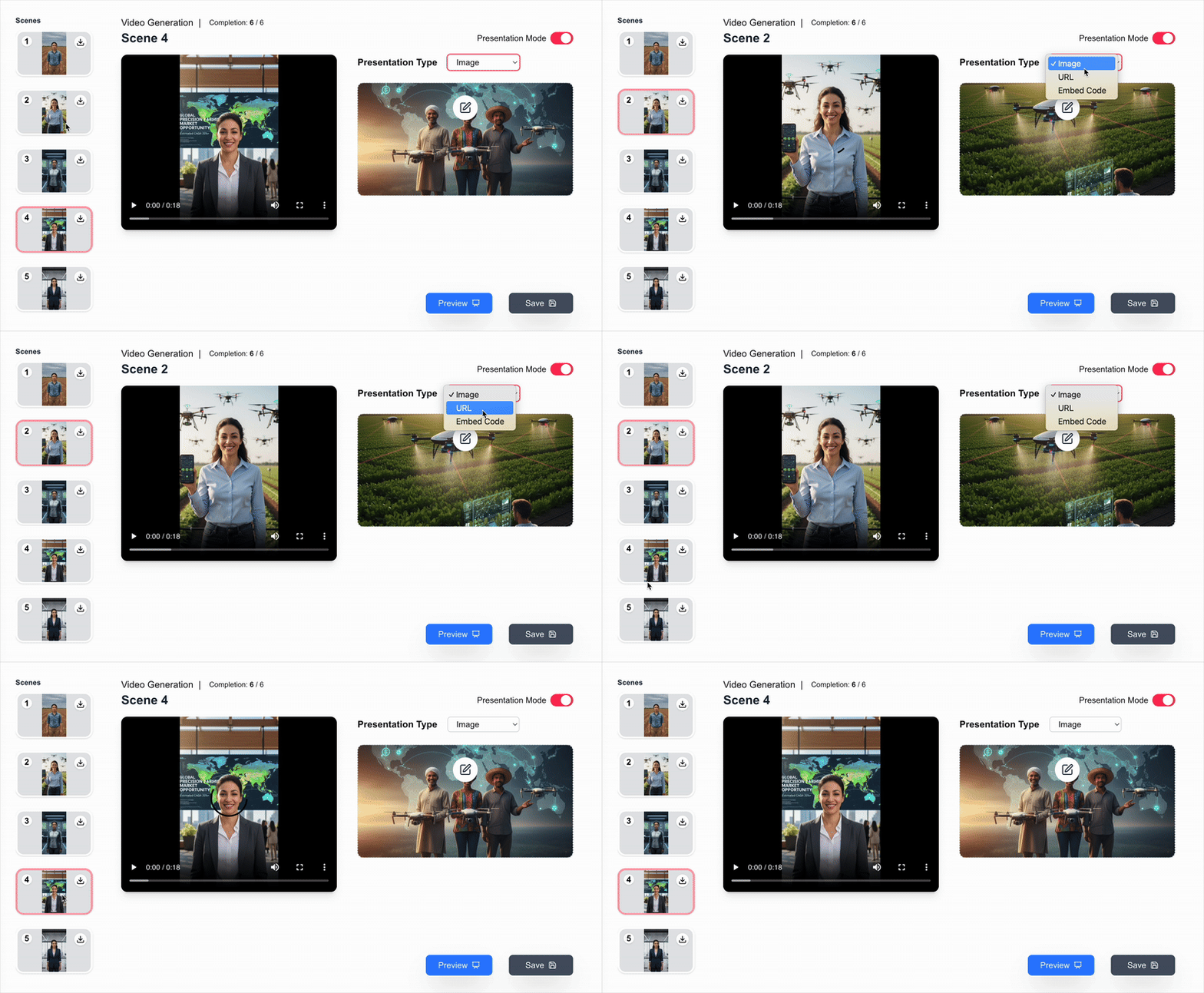
A simple production path
Upload a resume, document, profile image, or script, or begin with a focused idea.
Define the audience, proof point, tone, and action the viewer should take next.
Edit scenes, visuals, narration, avatar, and pacing until the message sounds like you.
Generate the video, share the link, and update it as your positioning evolves.
Made for real workflows
Explain your point of view, process, and client outcomes before the first discovery call.
Build trust around the person behind the product with clear founder-led updates and insights.
Turn repeatable expertise into a recognizable series rather than isolated content experiments.
Preview your teaching style, frameworks, and transformation in a concise visual format.
Package key ideas, talks, and books into clips that make event and media outreach easier.
Show service fit and credibility when a portfolio alone does not explain how you work.
The best personal branding videos do not summarize an entire career. They make one useful promise: the viewer quickly understands who you help, what you know, and why your perspective deserves attention. A strong LinkedIn creator portfolio video pairs that message with inspectable proof such as a project, result, framework, client outcome, or demonstration.
PortfolioVideo works as an AI personal branding video maker for professionals who want that clarity without becoming full-time video editors. Create a camera-free profile introduction, thought-leadership series, service explainer, speaking reel, or creator portfolio asset while keeping the script, visuals, and narration editable.
For search visibility and conversion, place each video near relevant written context. Use a descriptive title, explain the topic in supporting copy, provide captions where appropriate, and link to the deeper portfolio or service page. The video earns attention; the surrounding proof helps the viewer make a decision.
Keep exploring
Plan your LinkedIn creator portfolio, profile clips, and ongoing authority content.
Build a stronger first impression without creating a generic biography.
Organize content around expertise, proof, audience, and a clear next step.
Use talking avatars transparently while preserving trust and credibility.
See how AI video is changing professional visibility and creator workflows.
Compare finished examples for structure, pacing, visual treatment, and proof.
Start with clear source material—whether that is an up-to-date resume, a concise founder pitch deck, or a short personal branding brief. Because PortfolioVideo builds each script, scene plan, and voiceover from the facts you supply, structured inputs with concrete metrics, shipped projects, and clear outcomes produce much stronger narration than generic summaries.
Before rendering your final export, review every scene in the studio editor. Check that the opening hook states your role or value proposition within the first five seconds, verify that on-screen visuals reinforce your spoken points rather than repeating every bullet word for word, and confirm that the closing call to action directs viewers to the exact next step—booking an intro call, inspecting your portfolio, or reviewing your full written document.
Choose the aspect ratio that matches where you plan to share: widescreen 16:9 landscape for portfolio websites, email follow-ups, and investor data rooms, or vertical 9:16 portrait for LinkedIn mobile feeds, Reels, and Shorts. Pair your finished video with your written resume or static slide deck so reviewers can skim the document and watch your walkthrough in one streamlined flow.
Busy recruiters, hiring managers, clients, and investors decide within the first five to ten seconds whether to keep watching. Open with the specific role you target, the customer problem your product solves, or the core outcome you deliver. Back up that opening with two concrete, verifiable proof points—shipped features, revenue impact, latency reductions, or customer retention gains—rather than broad adjectives.
Avoid crowding your scenes with dense paragraphs of on-screen text that duplicate your voiceover word for word. Instead, let your narration tell the story while each generated frame illustrates the setting, product workflow, or key metric. Clean visual hierarchy helps viewers absorb your message faster on both laptop screens and mobile phones.
A cold outreach clip, job application video, or LinkedIn featured video performs best between 45 and 75 seconds—long enough to establish credibility and summarize two highlights, short enough to respect a reviewer's schedule. For warm investor follow-ups or detailed project walkthroughs, aim for 90 to 120 seconds with clear scene transitions between problem, solution, traction, and next step.
Video earns attention and builds trust, while written documents make details easy to verify and forward internally. Always share your PortfolioVideo link alongside your ATS-friendly PDF resume, GitHub repository, live product demo, or full investor deck so stakeholders can move seamlessly from watching your overview to checking the underlying proof.
Start with the profile, script, or idea you already have. Turn it into a personal branding video you can publish, share, and keep improving.